

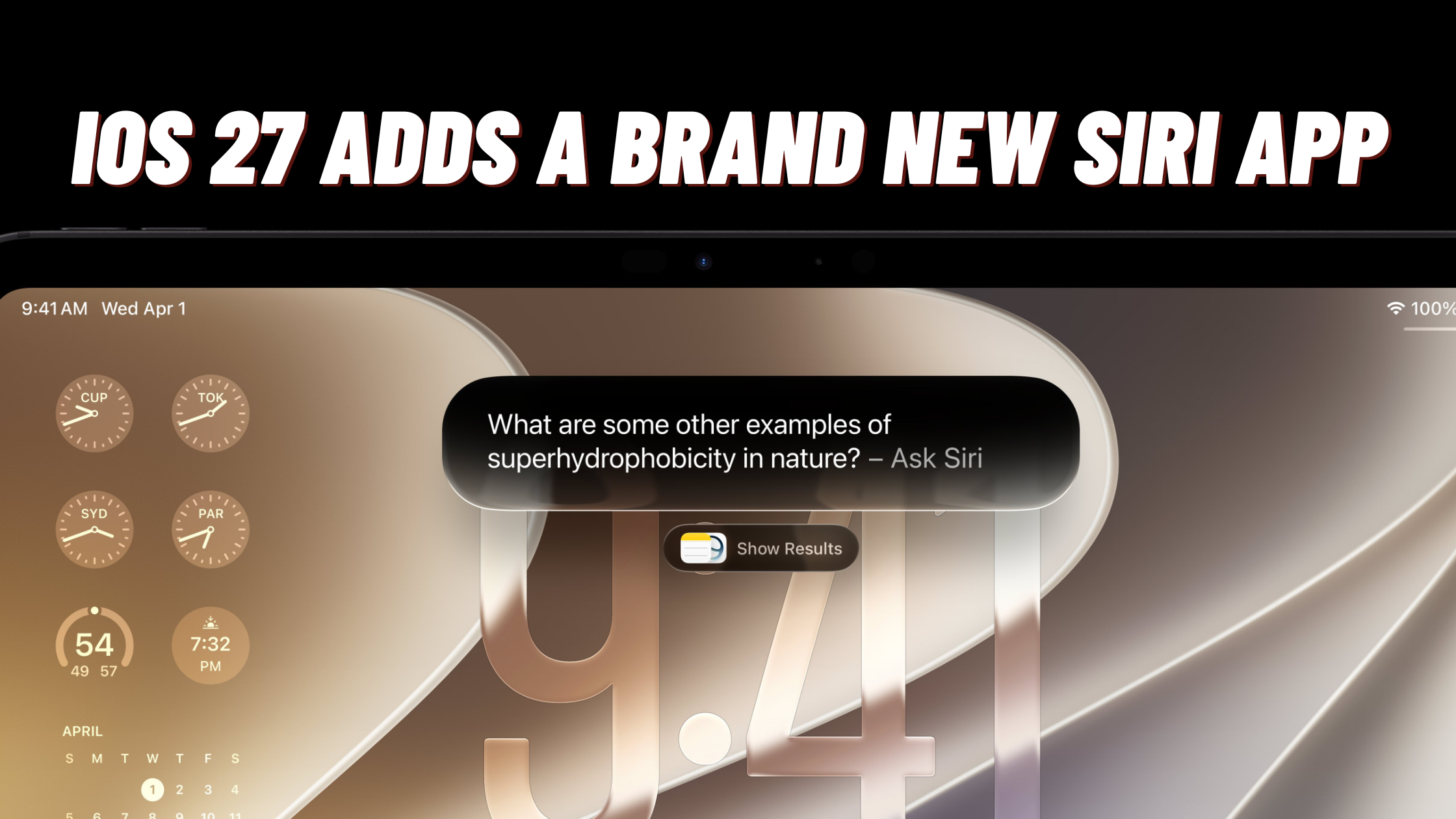
If you’ve been hearing a lot of buzz about iOS 27 this week, you’re not imagining it. Apple just wrapped up WWDC 2026, and honestly? This might be the biggest software update the company has dropped in years. We’re not just talking about a fresh coat of paint here — Apple is rebuilding Siri from the ground up, adding a brand new app to your Home Screen, and giving your Photos app editing powers that used to require a laptop and a lot of patience.
Below, I’m breaking down what’s actually changing, which devices will get the good stuff, and when you can expect to download it. Let’s get into it.
Wait, There’s a New App on My iPhone Now?
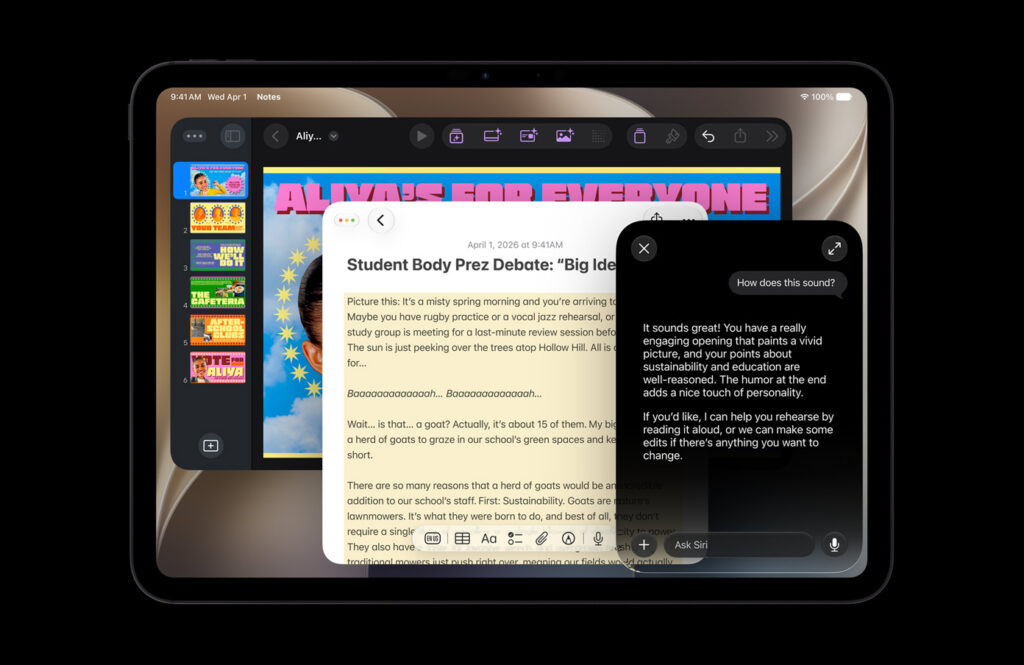
Yep. For the first time ever, Siri is getting its own dedicated app. It’ll sit right there on your Home Screen alongside your other apps, and it works a lot like the chat-based AI apps you’ve probably already used — think a conversation thread where you can ask questions, upload photos or documents, and pick up right where you left off.
A few things worth knowing about the new Siri app:
- It syncs through iCloud, so a conversation you start on your iPhone can be continued on your iPad, Mac, or even your Apple Watch.
- You can drop in images and files and ask Siri to look them over, summarize them, or help you work through them.
- It keeps a running history of past conversations, so you’re not starting from scratch every time.
This is a pretty big shift in how Apple wants people to interact with their devices. Instead of Siri being a “press and ask a quick question” tool, it’s becoming something closer to an actual assistant you can have an ongoing back-and-forth with.
Read More: How to Use Claude Code for FREE
Which iPhones Will Actually Get the New Siri App?
Here’s the part that’s going to disappoint some people with older phones. The new Siri app — and most of the new AI-powered features in iOS 27 — only works on devices that support Apple’s on-device AI tech. That list currently includes:
- iPhone 15 Pro and iPhone 15 Pro Max
- iPhone 16, 16 Plus, 16 Pro, and 16 Pro Max
- iPhone 17, 17e, 17 Pro, and 17 Pro Max
- iPhone Air
If your phone isn’t on that list, you’ll still get iOS 27 with plenty of general improvements, but the headline AI features will be locked out. Something to keep in mind if you’re due for an upgrade this year.
Apple Intelligence Is Showing Up Everywhere
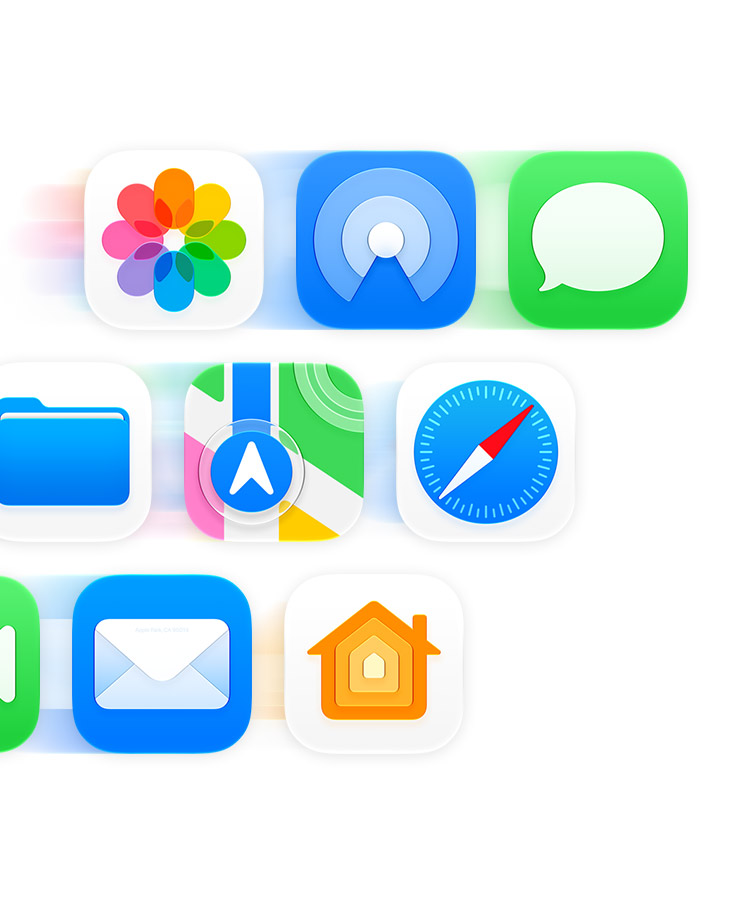
The new Siri app is the flashy headline, but Apple Intelligence is getting baked into apps you already use every single day, and a lot of these changes are genuinely useful rather than just gimmicky.
A few standouts:
- Notes can now help organize study material, transcribe audio with built-in translation, and even kickstart a first draft for you.
- Safari automatically groups your open tabs by topic, so your “vacation planning” tabs aren’t mixed in with your work research. There’s also a new feature that watches a webpage for you and pings you when something changes — handy for tracking restocks, price drops, or flight deals.
- Passwords can step in when one of your saved logins has been compromised, actually logging in, updating the password, and saving the new one for you.
- Image Playground has been significantly upgraded, putting it much closer in quality to other popular AI image generators, with a daily free limit that can be extended through an iCloud+ subscription.
Basically, Apple is trying to make AI feel like it’s quietly working in the background of apps you already rely on, instead of being its own separate “thing” you have to go open.
Your Photos App Just Became a Real Editing Tool

This one’s going to be huge for anyone who likes to clean up their photos before posting them. The Photos app is getting a new editing toolset that goes way beyond basic crop-and-filter stuff.
Here’s what’s new:
- Smarter object removal. The Clean Up tool has been reworked to do a noticeably better job removing unwanted people, objects, or photobombers from your pictures without leaving weird smudges behind.
- Spatial Reframing. This lets you adjust the angle of a photo after it’s been taken — essentially giving you a do-over on your composition.
- Extend. This is the one people are going to love. It can intelligently expand the background of a photo, which means you can turn a portrait shot into a landscape image, or stretch a photo out to make it work perfectly as a wallpaper.
And here’s the best part: these tools work on photos you already have saved, not just new pictures taken on the latest hardware. So your old vacation pics or that great photo from last year’s birthday party are fair game too.
Liquid Glass Gets a Long-Awaited Fix
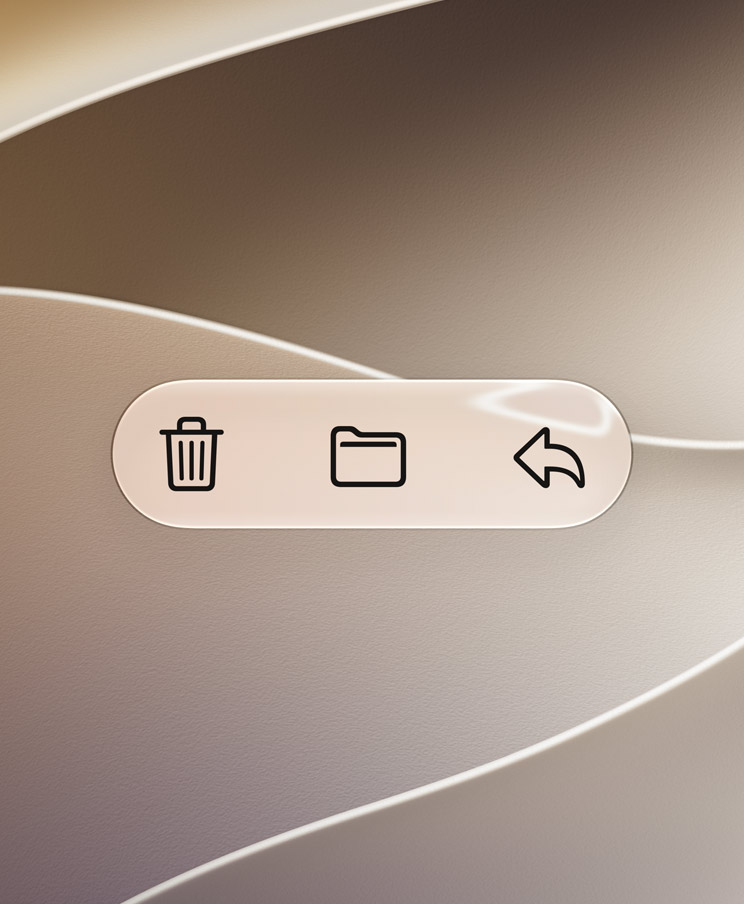
If you remember when Apple introduced its “Liquid Glass” design last year, you also probably remember the mixed reactions. Some people loved the translucent, glassy look. Others found it hard to read text or felt like it made the interface look washed out.
With this update, Apple is finally giving users a way to control how much of that glass effect they actually see. There’s now a slider that lets you dial the transparency up or down depending on your preference — more glass if you love the aesthetic, more solid color if you just want things easier to read.
On top of that:
- App icons have been redesigned to look sharper and more refined.
- There’s a new menu bar style that makes it easier to navigate apps like Music, Podcasts, and Files.
- Overall readability has improved across the board, even with custom icon themes.
It’s a small change on paper, but if you’ve been annoyed by the look of your phone for the past year, this update should feel like a breath of fresh air.
Big Changes Are Coming to Screen Time and Parental Controls Too
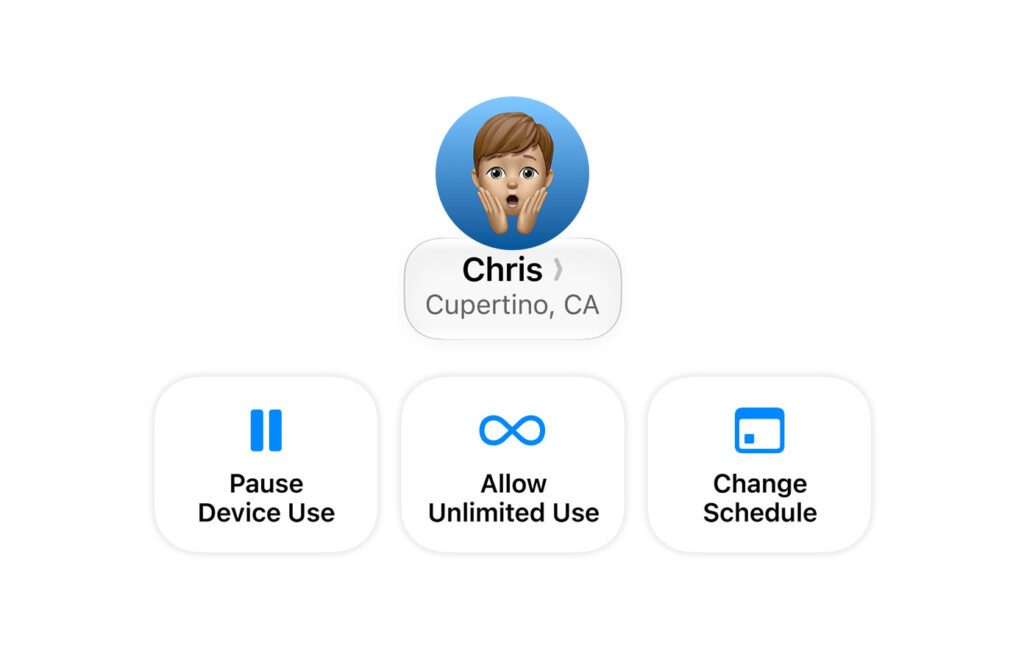
Parents, this section is for you. Apple is significantly reworking Screen Time with this release, and it’s clearly aimed at giving families more nuanced control over how kids use their devices.
New additions include:
- Usage is now broken down into three clear categories: Entertainment, Games, and Social Media.
- Time limits can now change automatically depending on the day — so weekday limits can look different from weekend limits.
- New “Ask to Browse” and “Ask to Download” prompts let kids send a request through Messages when they want access to something that’s currently restricted.
- Additional safeguards have been added to help prevent kids from accidentally encountering inappropriate content through Messages, FaceTime, and other apps.
Apple has framed this as part of a bigger push to help families build healthier tech habits without completely cutting kids off from devices that, realistically, aren’t going anywhere.
When Can You Actually Download iOS 27?
Apple typically rolls these updates out in stages:
- A developer beta becomes available almost immediately after the WWDC announcement.
- A public beta usually follows around July, open to anyone willing to sign up for Apple’s beta program.
- The full, stable release typically arrives in the fall alongside new iPhone hardware.
If you’re not comfortable running beta software (and for most people, I’d recommend waiting), your best bet is to sit tight until the official fall release.
So… Is It Worth the Hype?
Honestly, this feels like one of those rare updates where the marketing buzzwords might actually be backed up by features people will use constantly. A standalone Siri app, real AI-powered photo editing that works on old pictures, a fix for a UI complaint that’s been around for a year, and meaningful parental control upgrades — that’s a pretty stacked lineup.
Of course, the catch is that a lot of the best stuff is reserved for newer iPhones with Apple Intelligence support. If you’re rocking an older device, you’ll still get plenty of improvements, but you might find yourself eyeing an upgrade sooner than planned once you see what your friends with newer phones are doing.
Either way, this fall’s update cycle just got a lot more interesting. What feature are you most excited about? Drop a comment below and let us know.


Guter Beitrag! Claude Fable 5 unter passt gut zu diesem Thema. Claude Fable 5
Buena lectura. MiniMax H3 Video Generator (/) para clips 768P/2K. MiniMax H3 Video Generator