
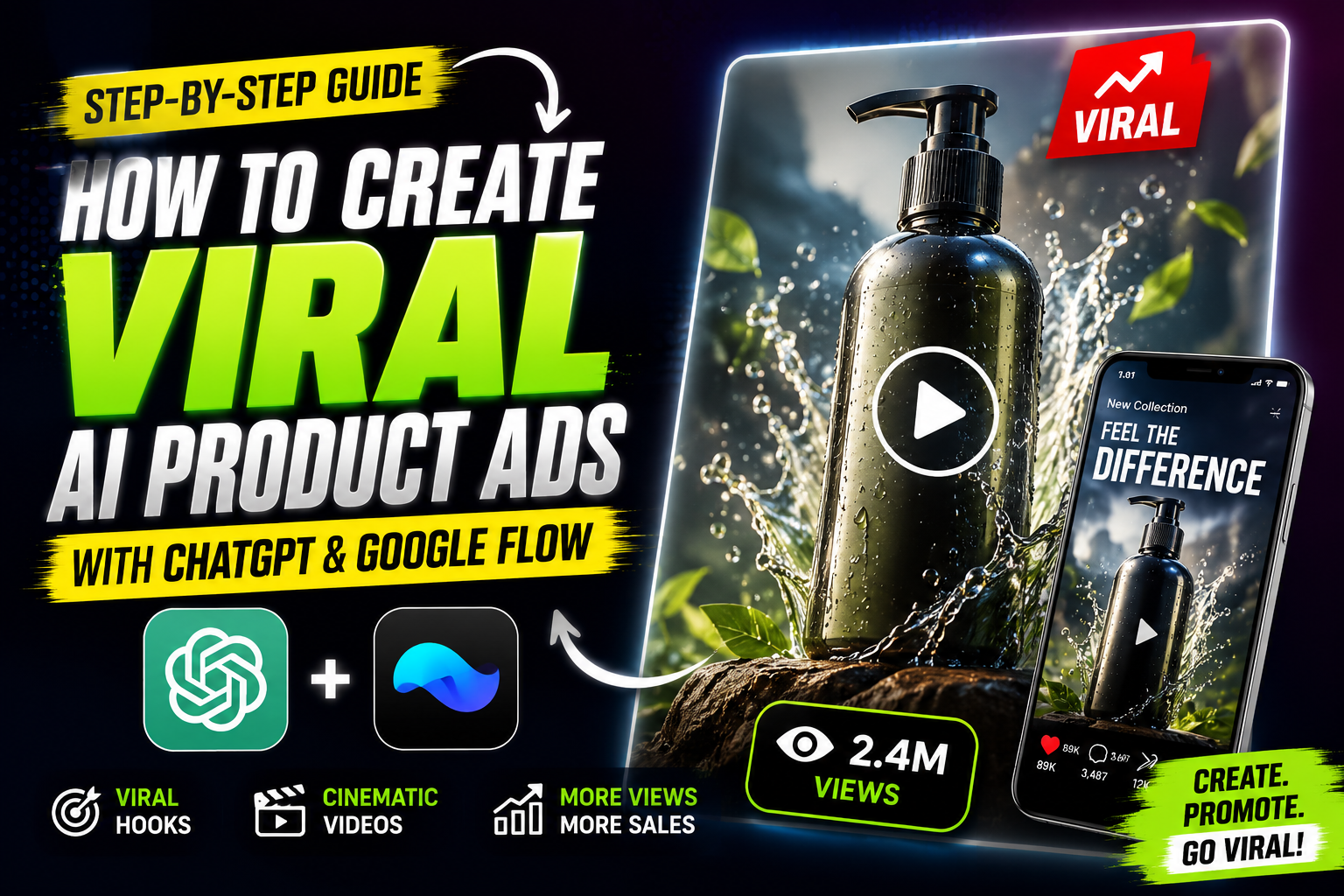
Ever scrolled past a product ad so cinematic that you paused, thinking it belonged to a brand like Apple or Rolex — only to find out later it was made entirely with AI? That’s exactly the trend blowing up right now, and the good news is you don’t need a film crew, a studio, or even a camera to pull it off. All you need is a product photo, a smart ChatGPT prompt, and a free tool called Google Flow.
In this guide, I’ll walk you through the exact workflow I use to turn a plain product image into a luxury-style commercial in minutes. This method has become something of a lodestar (a guiding reference point people keep coming back to) for creators trying to make premium-looking ads without a premium budget.
Why AI Product Ads Are Going Viral
Brands and solo creators alike are catching on to a simple truth: audiences respond to cinematic storytelling, not static product photos. A slow-motion water splash, a glossy light reflection, a dramatic camera pan — these small cinematic touches make a product feel expensive, even if it costs ten dollars.
The catch used to be that this kind of production was prohibitively expensive (out of reach for most budgets). Now, with AI video models like Veo (through Google Flow) combined with a well-engineered ChatGPT prompt, anyone can generate ads that feel like they came from an elite agency.
What You’ll Need
- A clear, well-lit photo of your product
- Access to ChatGPT (free or paid both work)
- A free Google account to use Google Flow
- Five to ten minutes of your time
That’s it. No editing software, no green screen, no actors.
Step 1: Set Up Your ChatGPT Prompt
The trick to getting a cinematic, ad-ready output isn’t just describing your product — it’s giving ChatGPT a role. When you tell it to act as an “elite commercial director,” the model shifts its tone and structure to match how real advertisement briefs are written, right down to camera angles, lighting setup, and pacing.
Here’s the exact system prompt I use. Paste this into ChatGPT before uploading your image:
You are an elite AI commercial director and prompt engineer specialized in creating viral, cinematic, luxury product advertisements.

Your task is to analyze the uploaded product image and generate ONE extremely detailed, high-quality cinematic video generation prompt that can be directly pasted into Google Omni / Veo / Gemini video models to create a premium advertisement.

The final output prompt must be highly detailed, cinematic, visually descriptive, technically accurate, optimized for AI video generation, and written like a professional commercial direction brief. The output should NOT explain anything — only generate the final ready-to-use video prompt.

While generating the prompt, intelligently determine the product category, the best advertisement style, ideal camera movements, suitable lighting, environment, cinematic effects, motion style, pacing, textures, transitions, mood, color palette, and premium brand aesthetic.

The generated prompt should include cinematic camera angles, macro shots, movement direction, lighting setup, background/environment, texture details, product motion, slow motion moments, premium advertisement pacing, realistic physics, cinematic transitions, and luxury commercial style.

The generated prompt must preserve the exact same product design from the uploaded image — maintaining logos, colors, materials, proportions, and textures — while feeling hyper-realistic, premium, and resembling a high-budget global advertisement.

Depending on the product type, automatically adapt the style: food gets rich macro food cinematography, tech gets a futuristic luxury product reveal, fashion gets a high-end editorial commercial, automotive gets aggressive cinematic energy, beauty and skincare get an elegant glossy aesthetic, and jewelry or watches get dramatic luxury macro shots.

Where suitable, weave in cinematic details such as floating particles, smoke, steam, crumbs, reflections, fabric motion, sparks, water splashes, glossy highlights, and dramatic shadows.

The final result should feel similar to commercials made by Apple, Nike, Dior, Rolex, Tesla, Samsung, Chanel, Adidas, or elite creative agencies.

IMPORTANT: The final output must be ONLY the final cinematic video generation prompt. No explanations, no headings, no bullet points, no commentary.
Step 2: Upload Your Product Photo
Once the prompt is pasted, upload your product image in the same message. ChatGPT will scan the image and figure out the product category on its own — whether it’s a watch, a skincare bottle, a sneaker, or a snack — and tailor the cinematic direction accordingly.
Step 3: Generate and Copy the Ad Prompt
ChatGPT will output one dense paragraph describing camera movement, lighting, environment, and mood, written exactly like a professional commercial brief. Copy this entire output — you won’t need to touch or edit it.
Step 4: Open Google Flow
Head over to labs.google/fx/tools/flow. This is Google’s free video generation workspace built for exactly this kind of prompt-to-video work.
Step 5: Configure Your Settings
Inside Google Flow:
- Upload the same product image you used in ChatGPT
- Paste the cinematic prompt you copied
- Open Settings
- Select Omni Flash as your model
- Choose your video orientation — Portrait for Reels/TikTok, Landscape for YouTube
- Set how many output variations you want to generate
Step 6: Generate and Review
Hit generate. Within moments, Flow will render a short, polished advertisement clip that mirrors the lighting, motion, and pacing of a real commercial — often good enough to post straight to Instagram, TikTok, or YouTube Shorts without any additional editing.
A Few Tips to Get Better Results
- Use a high-resolution product photo with a clean background — the model reads texture and material details directly from your image
- Try generating two or three variations per product since output style can shift slightly each run
- Match your video orientation to the platform you’re posting to before generating, to avoid awkward cropping later
Final Thoughts
What used to require a full production team can now be handled with a single prompt and a product photo. Whether you’re running a small ecommerce store or building a personal brand, this workflow gives you an accessible way to produce commercial-grade ads without the commercial-grade price tag. Try it once, and you’ll probably wonder why you didn’t start sooner.