

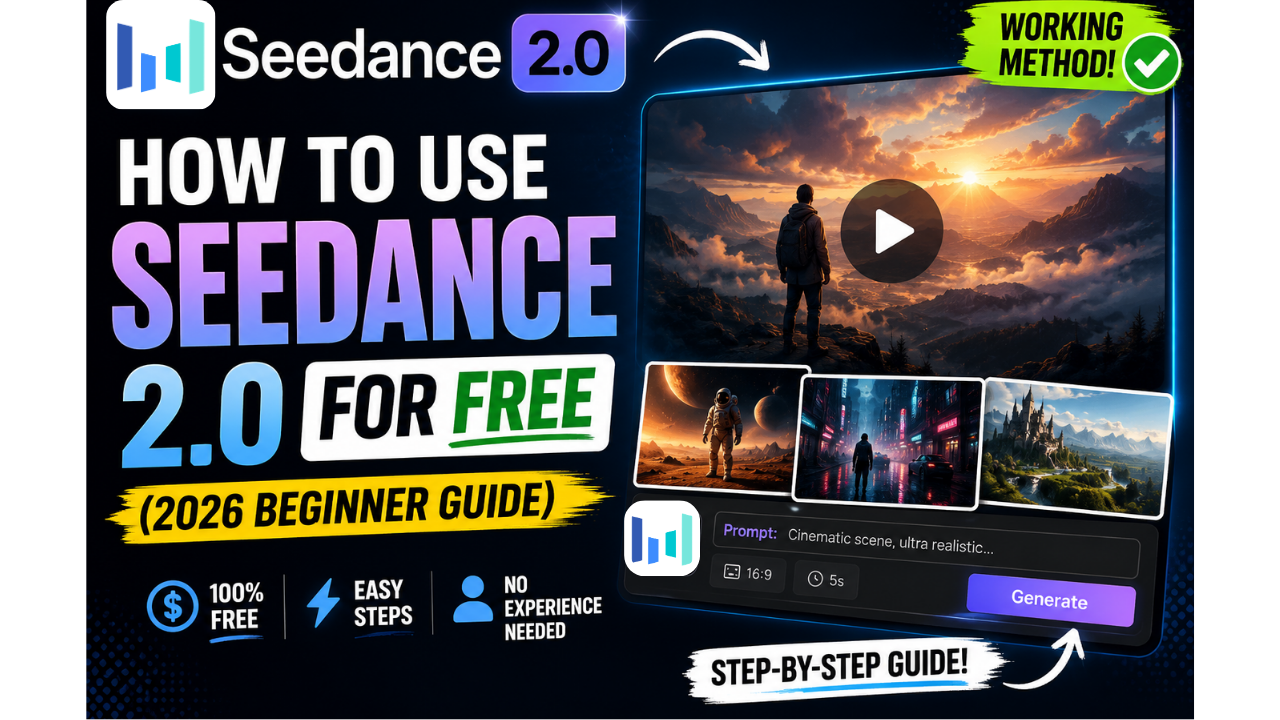
If you’ve been scrolling through AI video content lately, you’ve probably seen those insanely realistic car chase and motorcycle videos everywhere. Chances are, a good chunk of them were made with Seedance 2.0 inside the Dola AI app — and yes, you can use it completely free. I’ve been testing it myself, and I put together this step-by-step guide so you don’t waste time figuring things out the hard way like I did.
Let’s get you set up from zero.
Step 1: Create Your Free Dola Account
First things first, head over to the free Dola Seedance 2.0 signup link and create an account. It takes less than a minute — no credit card, no catch.
Once you’re signed up, you’ll get 6 free points every single day, which you can use for video generation. That resets daily, so even on a totally free plan you can keep creating content without paying a cent.
Quick heads up: if you see a message saying “your country or region is not accepted” when signing up, don’t panic. This is common and easy to fix.
Step 2: Fix the Region Error With a Free VPN
Dola currently doesn’t accept signups from the USA, so if you’re in a restricted region, you’ll need a VPN. The easiest free option is the Opera browser — it has a built-in VPN, so you don’t need to download or pay for anything extra.
Here’s what to do:
- Install the Opera browser
- Go to Settings and toggle the VPN on
- Set your VPN location to UK or Asia (avoid USA, since that’s the one region Dola blocks)
Once your VPN is active, refresh the signup page and it should go through without a hitch.
Step 3: Adjust Your Seedance 2.0 Settings
Now log into your free account and click “Create Video.” If you’re on the Dola mobile app, double-check that Seedance 2.0 Fast is selected as your model — on desktop, it’s already set as the default.
Uploading a reference image (like a photo of yourself) is completely optional, but it’s what makes these videos so viral, because the AI keeps your face, hairstyle, and identity consistent throughout the whole clip.
Step 4: Use These Ready-Made Prompts
This is where it gets fun. Instead of guessing what to type, just copy and paste one of these two prompts that are already optimized for Seedance 2.0:
Prompt 1 — Car Chase: Describes a high-speed supercar chase through a neon-lit futuristic city, with drifting, tire smoke, police drones, and a cinematic bridge finale, all while keeping your face and identity consistent from your reference photo.
Prompt 2 — Motorbike Chase: Puts you on a sport bike racing through a golden-hour city, weaving through traffic and tunnels, with a slow-motion hero moment and a sunset coastal highway ending.
Both prompts are written specifically to trigger Seedance’s cinematic camera movement and realistic motion blur, which is exactly why these videos look like they came out of a Hollywood studio.
Pro tip: if you want to generate your own custom prompts instead of using these two, just ask ChatGPT to write you a “Seedance 2.0 style cinematic action prompt” describing the scene you want. It’ll structure it the same way.
Step 5: What to Do If You Get an Error Message
Sometimes Seedance 2.0 will reject a prompt and throw an error. When that happens, don’t try to force it. Instead, go to ChatGPT and paste this:
“I am trying to use the following prompt in Seedance 2.0 Fast, but it is giving me error messages. Give me a safer version of the following prompt so it gets approved.” Then paste your original prompt underneath.
ChatGPT will rewrite it into a version that usually sails through without any issues.
Step 6: Generate More Free Videos Per Day
Here’s the part most people don’t realize: a single Dola account only gives you 3 free video generations a day. But nothing is stopping you from creating multiple free accounts.
Setting up a new Outlook email takes about 60 seconds, and registering that email on Dola takes another 30. That’s basically 3 brand-new videos every couple of minutes if you keep repeating the process, and each new account comes with its own 6 daily points.
If you run into trouble creating a second or third account on the same device, just open an incognito browser window each time — it keeps everything separate and avoids any signup conflicts.
Final Thoughts
Seedance 2.0 is genuinely one of the most impressive free AI video tools out there right now, and once you get past the initial setup, it’s shockingly simple to use. Start with the two prompts above, get comfortable with the settings, and once you’re ready, start experimenting with your own custom prompts through ChatGPT.
If this guide helped you out, bookmark it, because Dola and Seedance update their features often, and I’ll keep this post updated with anything new.
Really helpful post. If you need text-to-video at 480P/768P, check out H3MaxAI at . H3MaxAI