
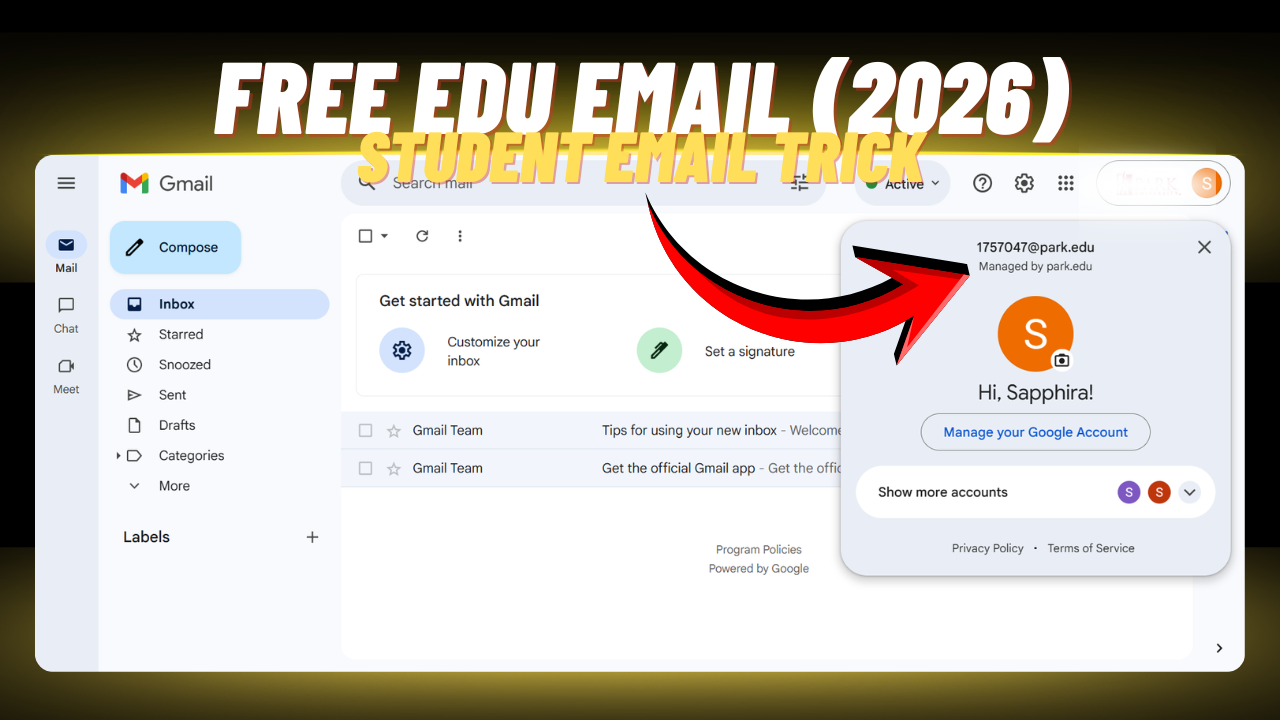
Find out the secrets to obtaining an EDU mail without paying. Follow our simple steps to unlock your educational email. An EDU email is a student email provided by a university, college, or school after you enroll in a course. But the question is – how can you get an EDU email for free?
Basically, an EDU email stands for an educational email, and normally you need to be admitted to a university, college, or school to receive one. However, it’s not always that simple. In this guide, I’ll show you both the proper way to get an EDU email through official admission and an alternative method that people use to obtain one.
I will guide you through a few simple steps—just follow them carefully to try getting an EDU email for free. However, keep in mind that this method may not work for long. If too many people start using it, universities or colleges may strengthen their security systems, and access could be restricted.
Also, please note that this method is shared for educational purposes only. It should not be used for any unethical or harmful activities. Make sure you use it responsibly.
Now, let’s move on to the main steps of this article.
Steps to Get an EDU Email
Follow the steps below carefully:
- First, go to Google and search for “Park University.”
- After visiting the website, begin by creating an account.
- Once your account is created, log in and apply for a course under the Undergraduate section as an Online student.
- Make sure to select the program type as “Certificate.”
- Next, fill in your personal information. You can use a random profile (as mentioned in my previous blog, “How to Get Perplexity Pro for Free”).
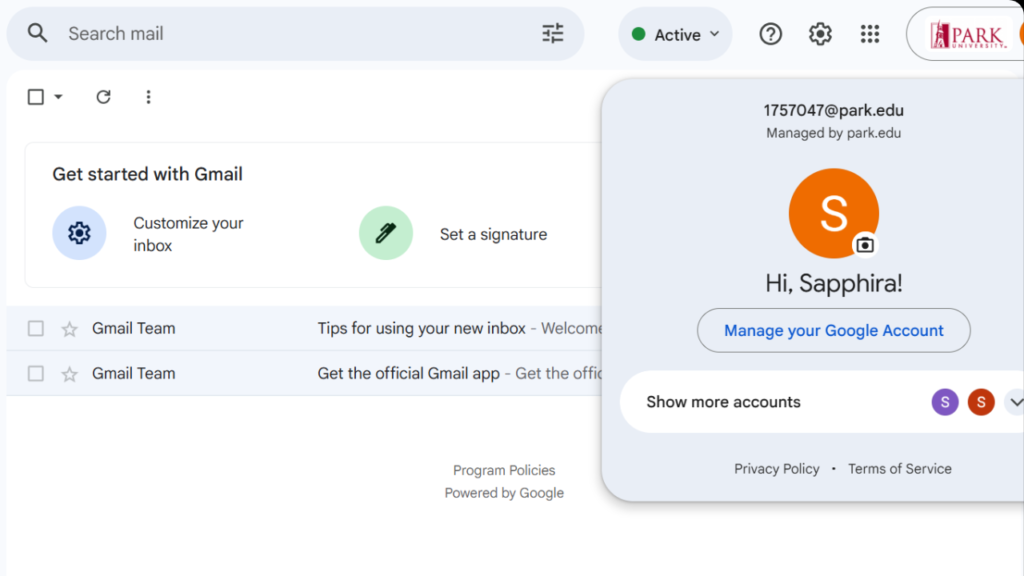
- After completing and submitting all the required information, you will receive an email within a few hours. This email will include your EDU email address and a temporary password.
- Use the temporary password to log in and then change it to your own password.
Once done, you will successfully have access to your EDU email.
Important Note: This process may take some time. In some cases, it can take up to a week. Proceed at your own risk, as availability and results are not guaranteed.
That’s it! You can now try getting your EDU email and start exploring its benefits. If you found this guide helpful, feel free to share it with others and stay connected for more tech tips and tricks.
Disclaimer: This guide is for educational purposes only. Methods may stop working at any time, so use them responsibly and at your own risk.