

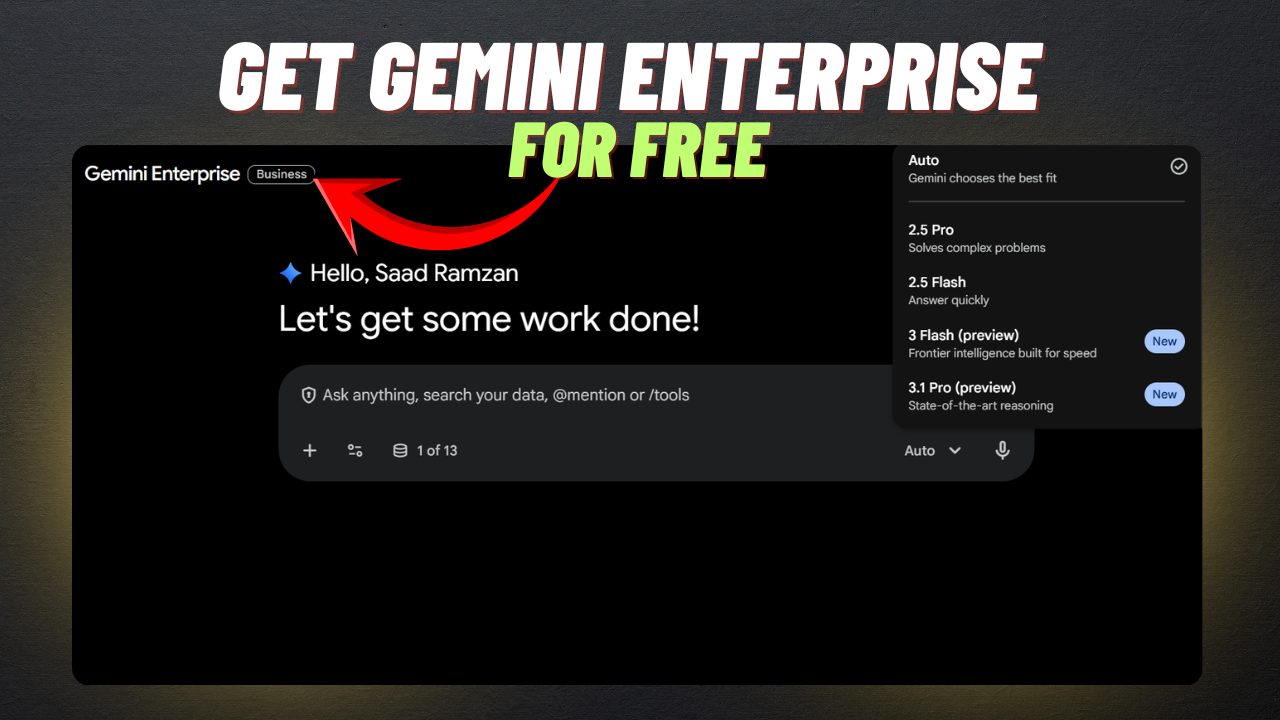
In this article, I’m going to show you how to get Gemini Enterprise for free in just a few seconds. You simply need to follow the steps mentioned in the section below.
Gemini Enterprise comes with many powerful features that can truly impress you. It also provides access to advanced tools like Nano Banana Pro with generous usage.
Gemini AI is an outstanding platform that can generate images, videos, text, code, and much more.
Gemini Enterprise Key Features
- Search, analyze information, and generate valuable insights while creating content like text, images, and videos through simple chat
- Connect with productivity tools such as Google Workspace and Microsoft 365 to access data and streamline your work
- Integrate multiple data sources to organize and manage information more efficiently
- Create custom AI agents easily without any coding knowledge
- Use pre-built automation agents to simplify and speed up your workflows
- Manage all your AI agents from one centralized dashboard for better control
- Enjoy strong security and governance features to keep your data protected
- Get dedicated storage and data indexing capacity for better performance and accessibility
Steps to Get Gemini Enterprise
Step 1:
Open the link provided below
https://www.google.com/url?sa=t&source=web&rct=j&opi=89978449&url=https://business.gemini.google/&ved=2ahUKEwi3vIfsufeRAxXDRmwGHTr0DWAQFnoECCQQAQ&usg=AOvVaw35N4XS-G-xgfATyBkH8wwNStep 2:
Paste the link above into your Chrome browser and log in to your Google account. Then, you will successfully log in to Gemini Enterprise for free.
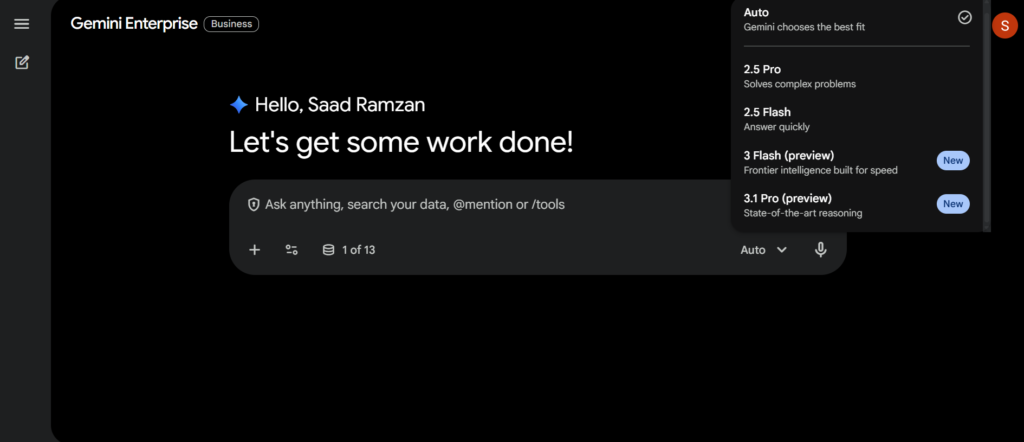
You’re all set! Enjoy using Gemini Enterprise responsibly. Remember, this guide is for educational purposes only. Always follow official terms and policies when using AI tools.

Yes, you right
Now he is asking for the credit card, sir. Please find a trick like that. Without a credit card, we get Google VEO 3,1. We can’t make unlimited video with the Google Vids trick.
It’s working but don’t worry I will upload another method for Google VEO 3.
This is not working ask a debit card when i used nayapay card then notification come that payment set up not be completed whats the reason
Many users are facing the same issue. I’m currently checking it and will provide an update soon. Stay updated.
bro make a video for how to use chatgpt domin you sent to your telegram chanal
Sure, i will